

Moda Bakır
A thoughtful touch for their little world.
Explore products

A selection from the current catalog for you to discover.
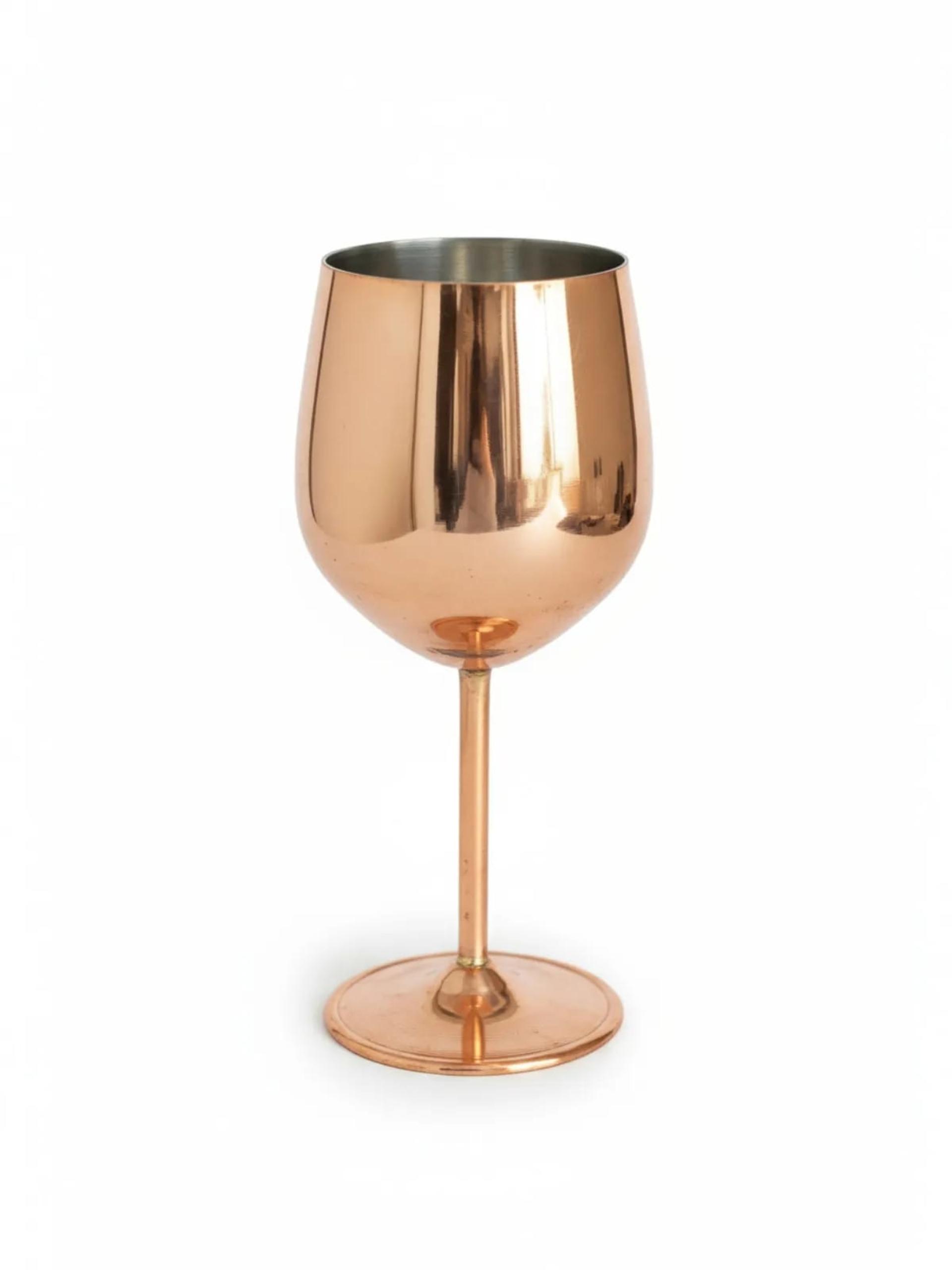
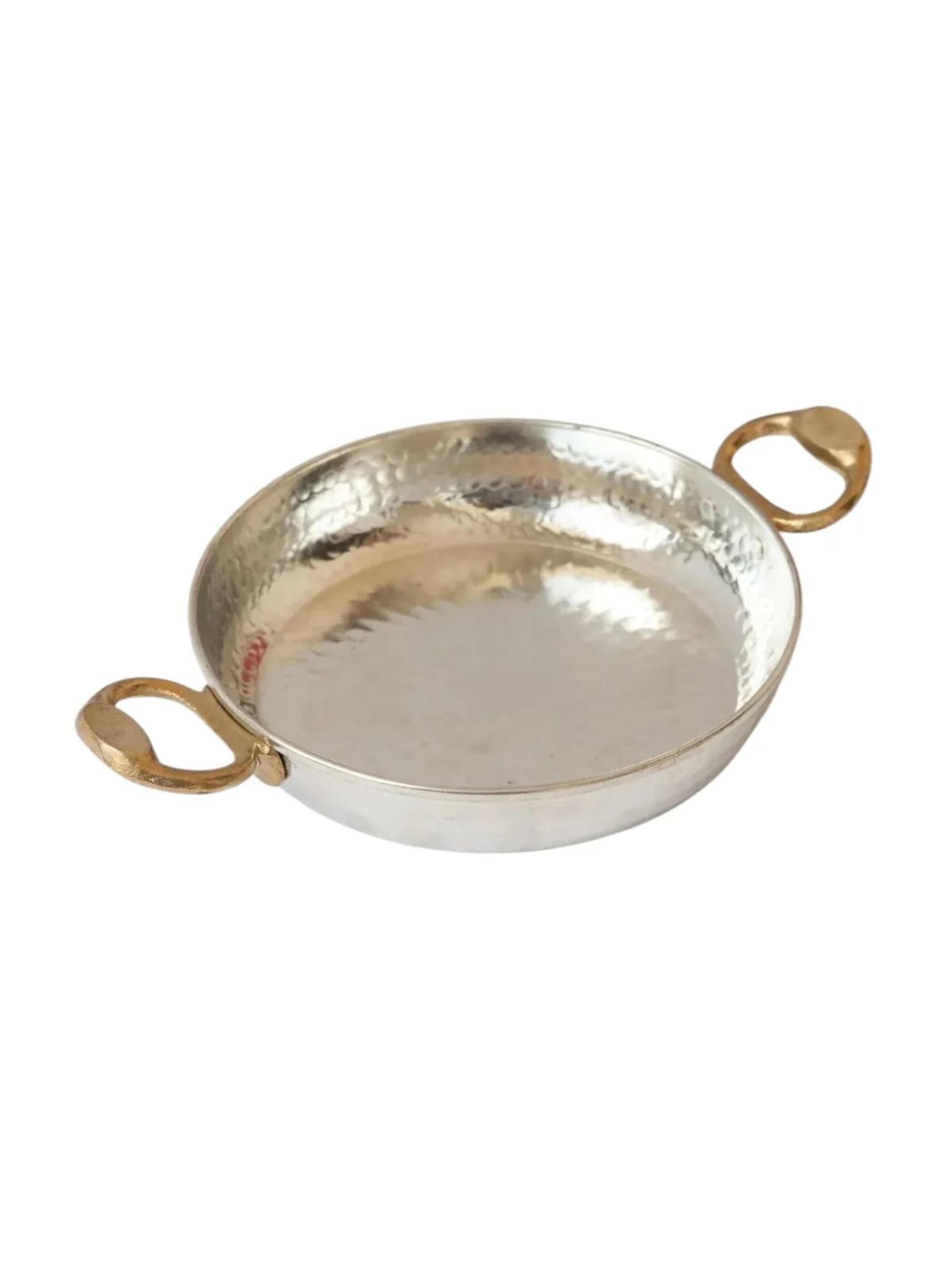
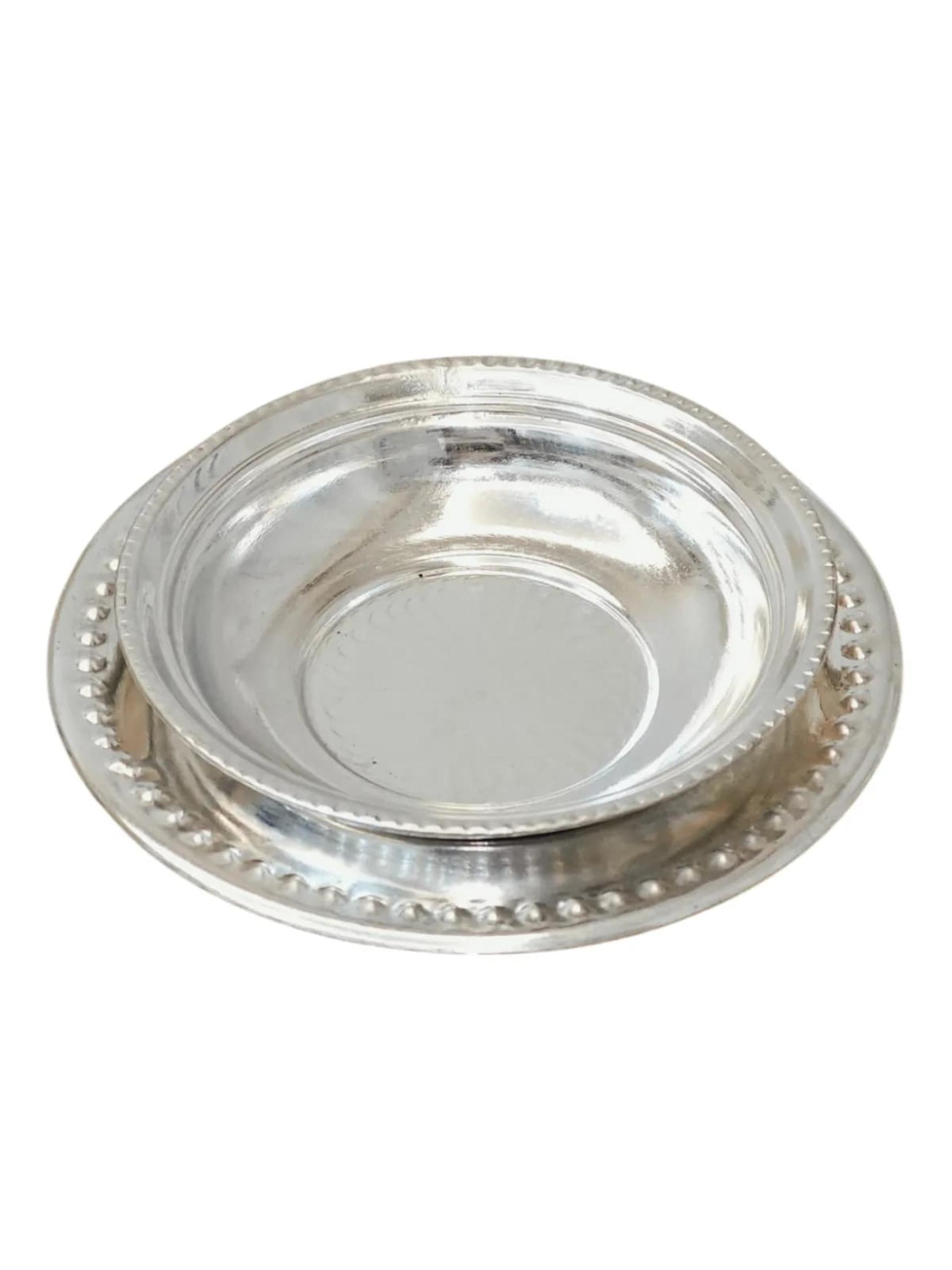
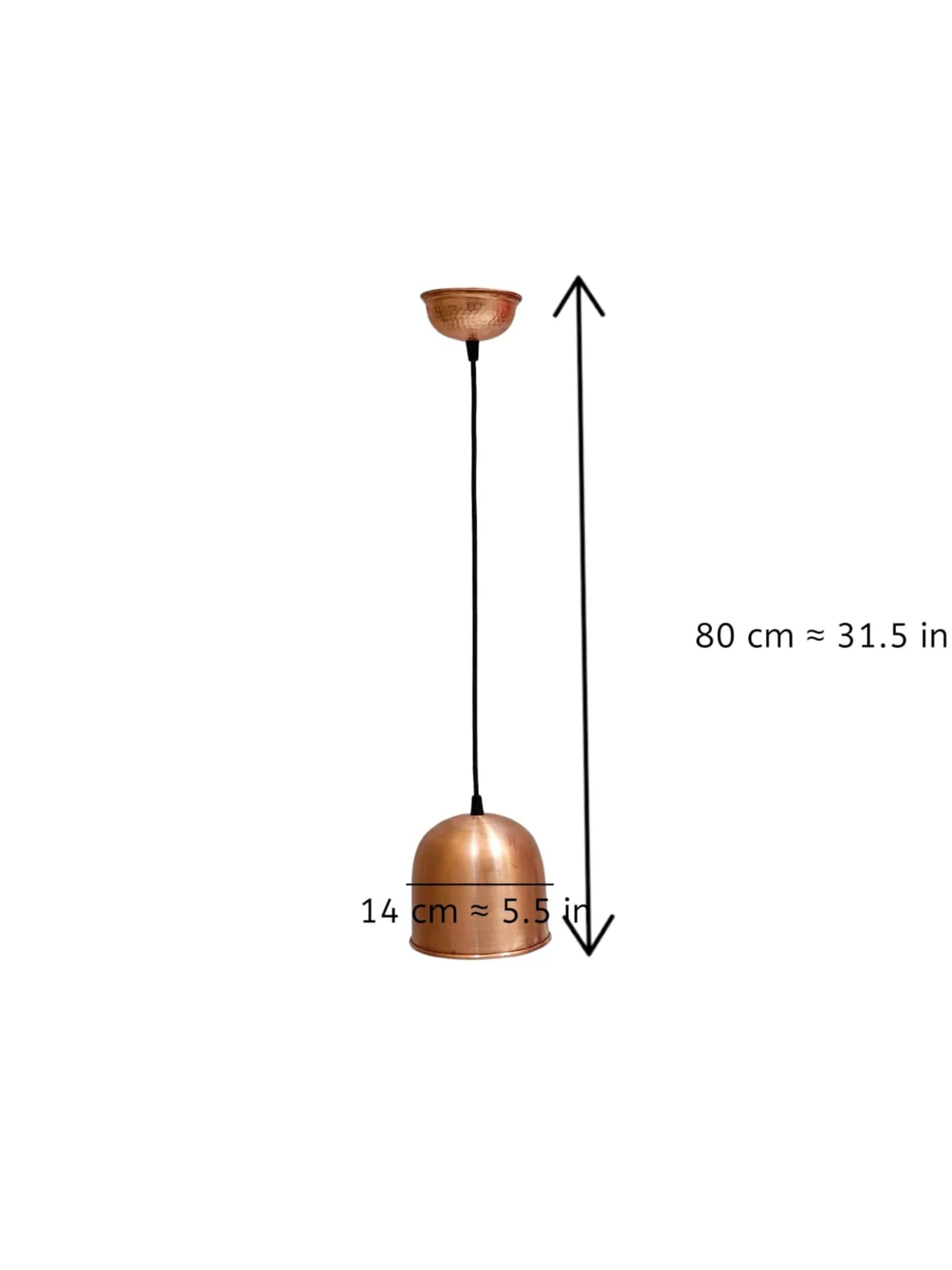
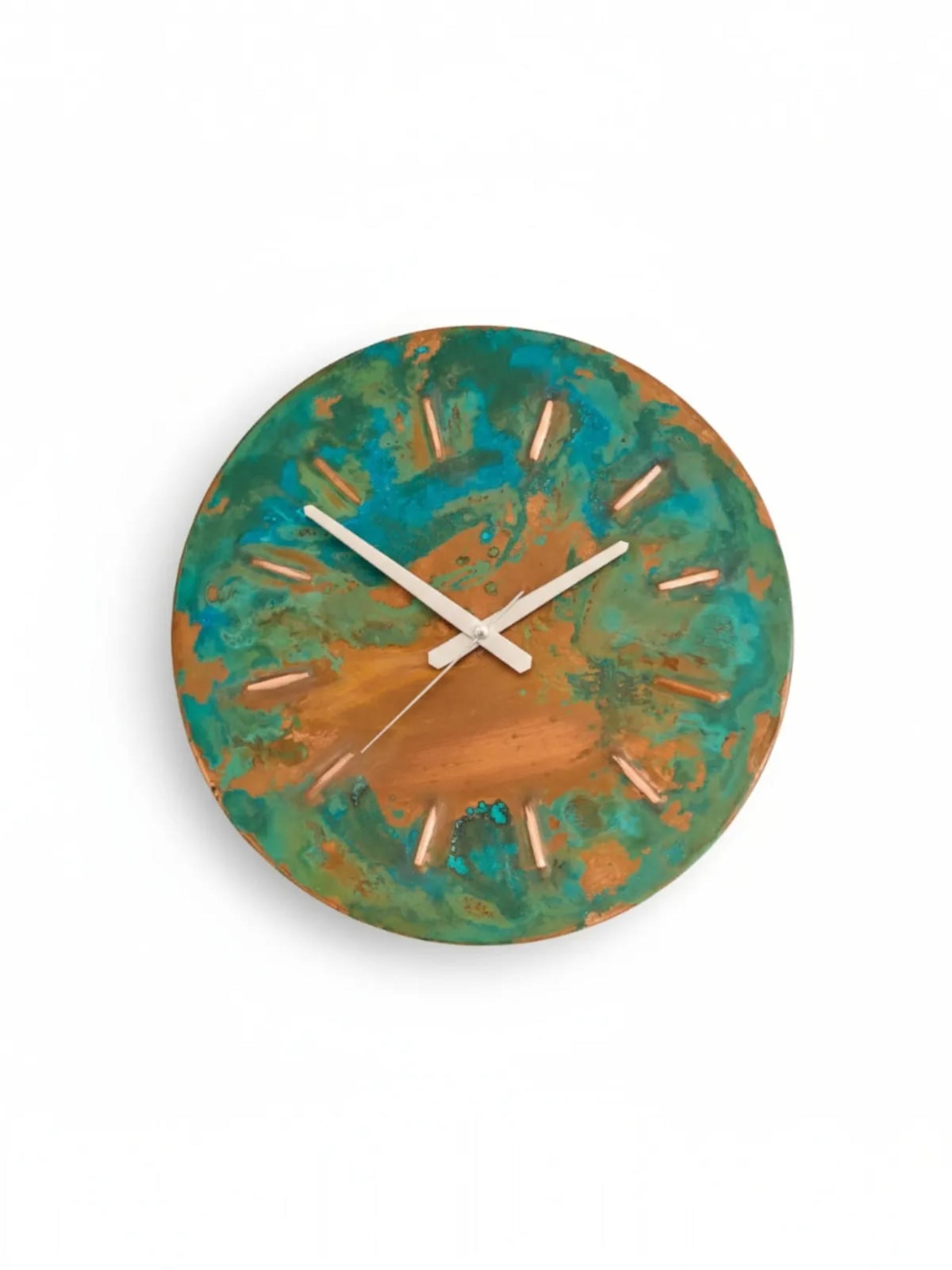
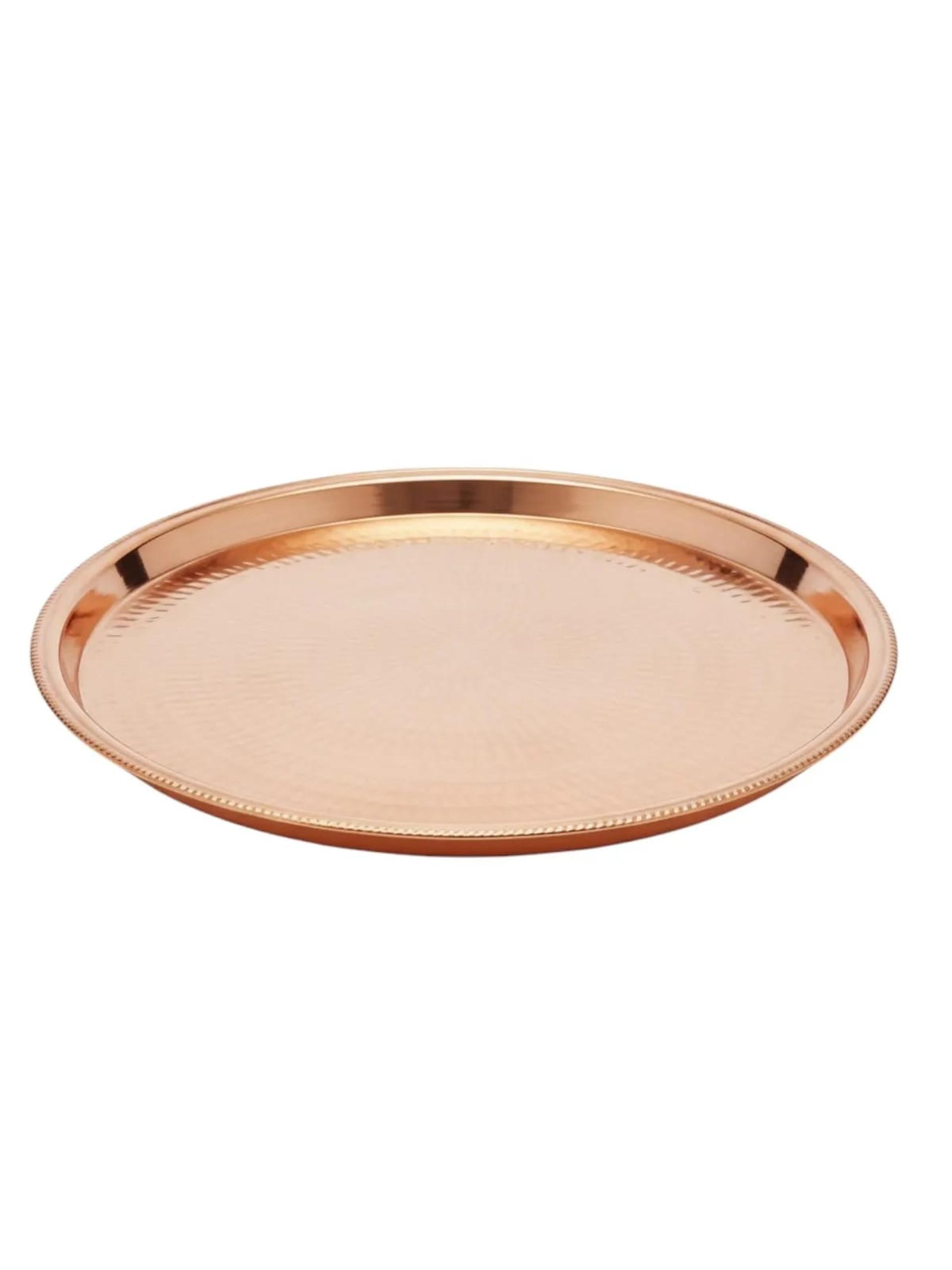
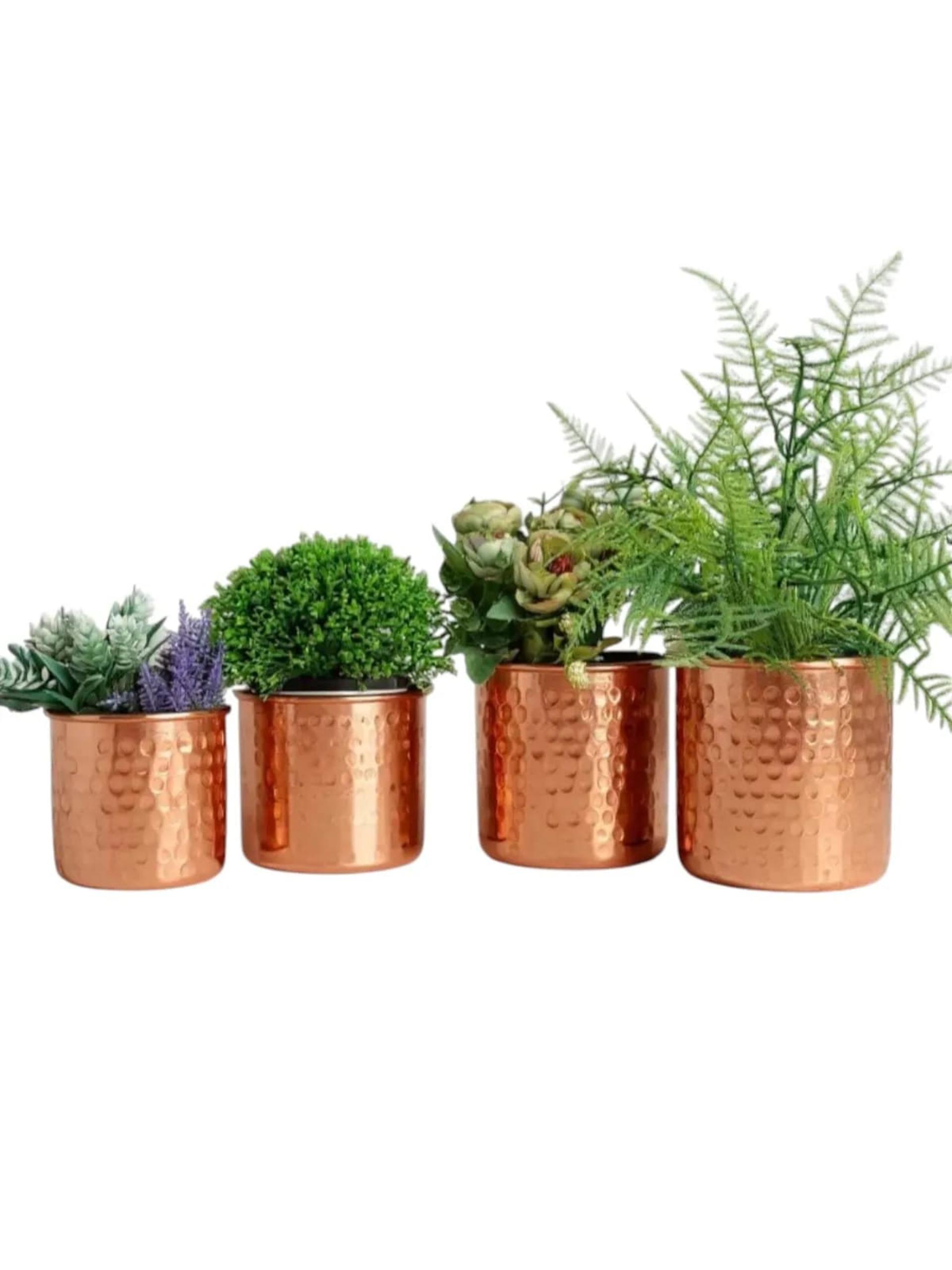
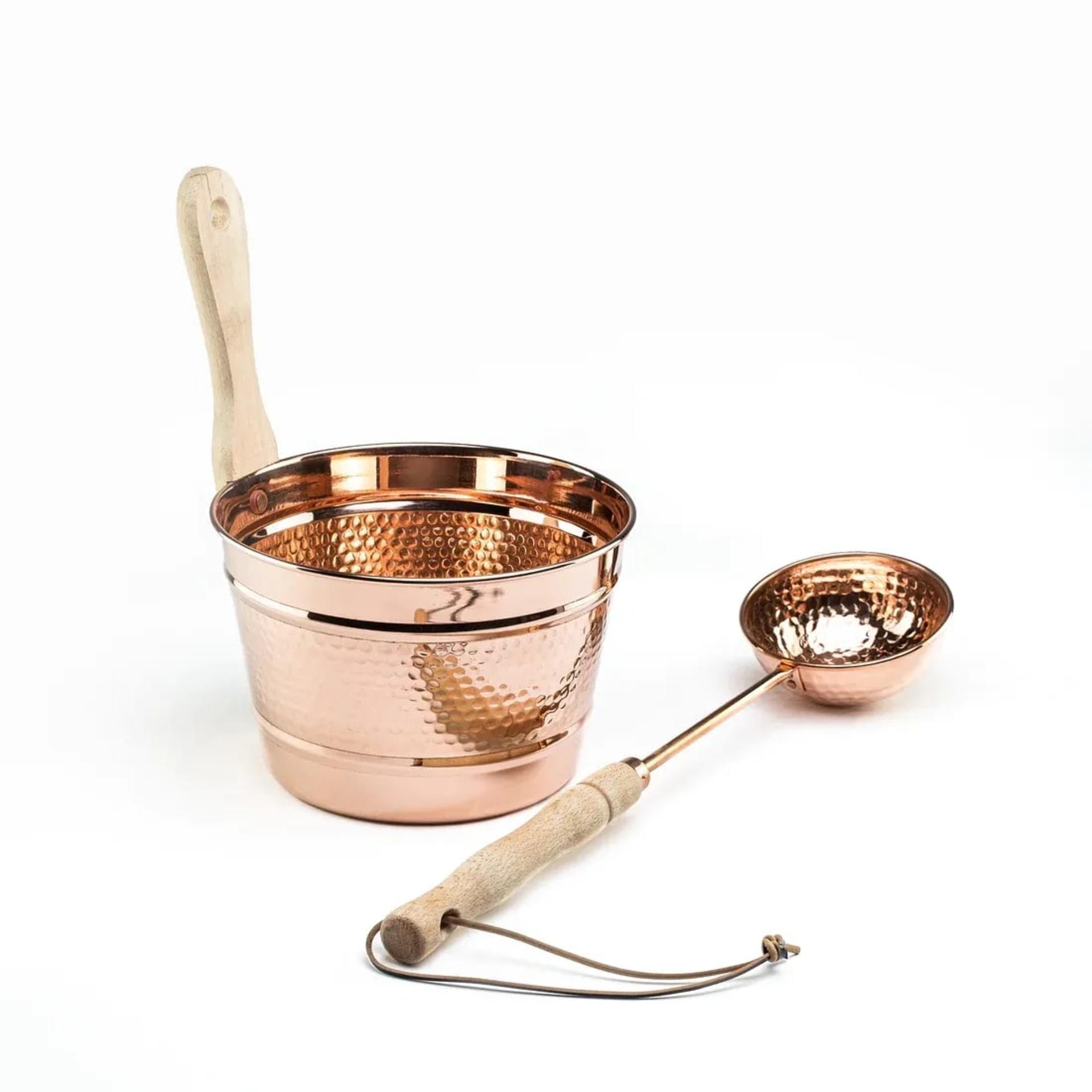
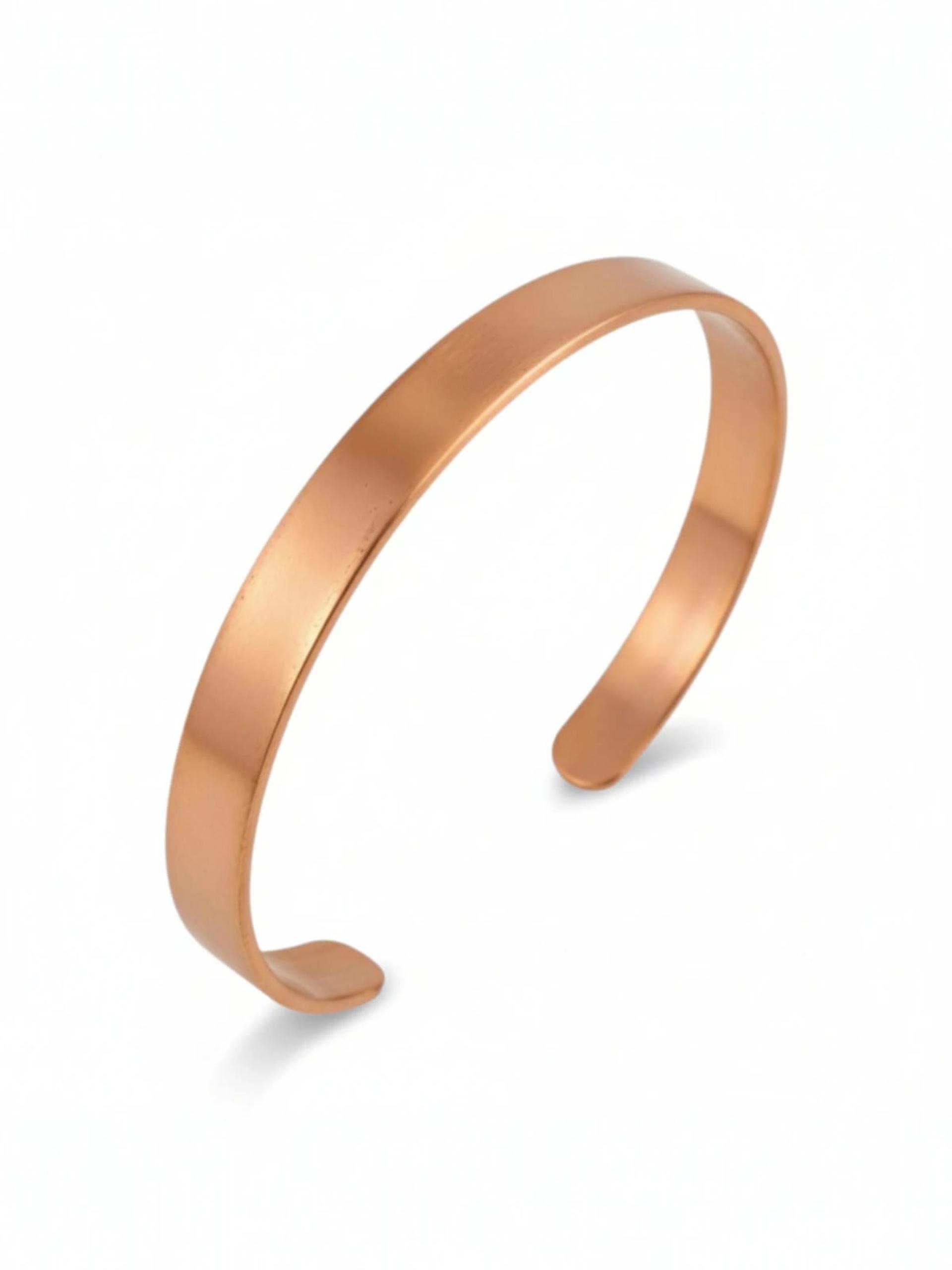





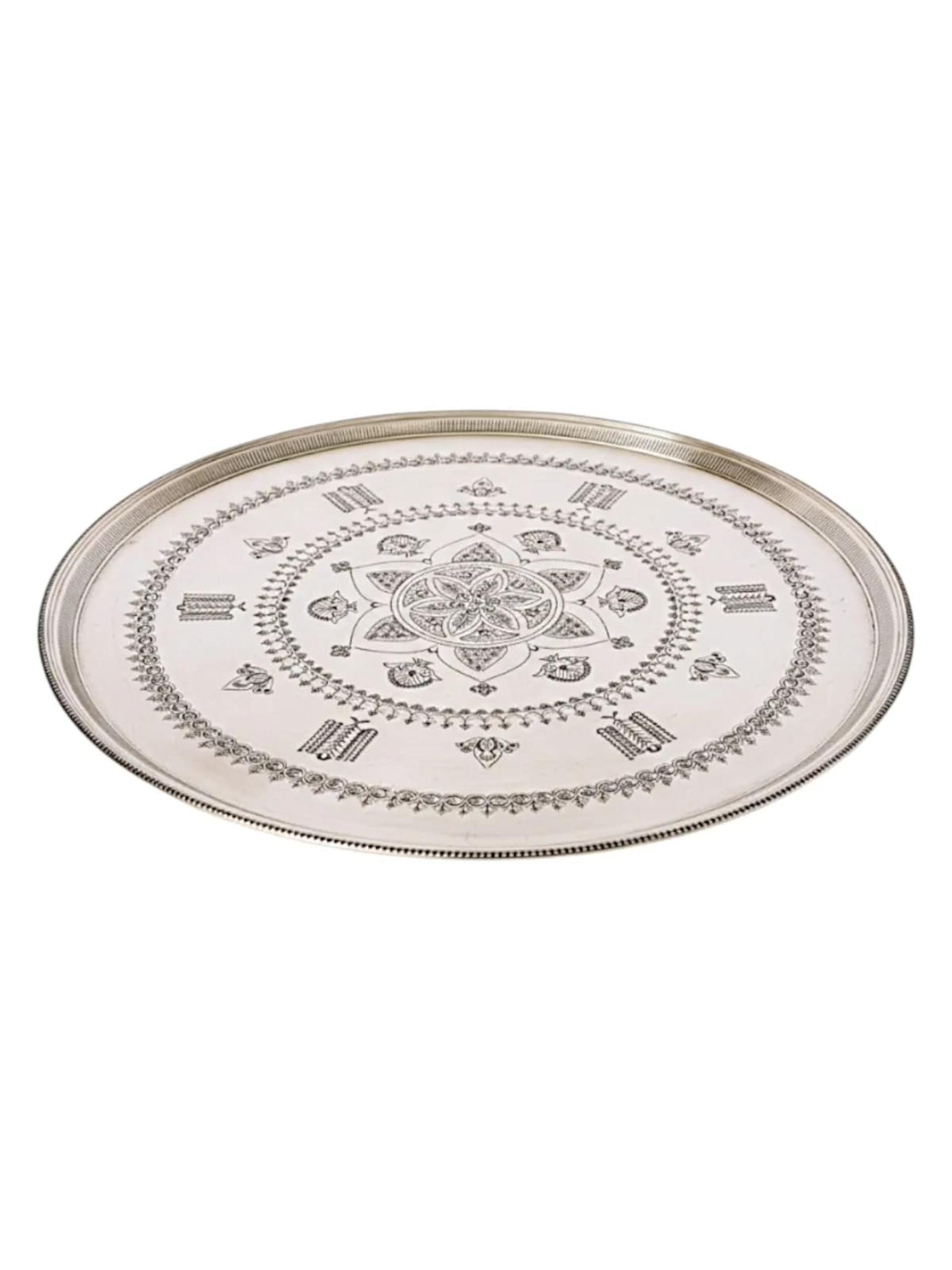
Discover the latest additions to the catalog.

Give your work, ideas and story a place to shine.
Learn more
Discover an experience that fits your business.
Learn more
Start a new chapter with your products.
Learn morePayWeer General helps you discover products from different shopping stores by product and category. Review categories, product details and seller information together to find what fits your needs.
General is the shopping area for exploring products across stores. Local helps you discover businesses and their services. Open a product card to see its details, or follow the seller link to visit the relevant store.
Start with categories such as electronics, fashion and home, then explore subcategories. For a specific item, enter the beginning of its product name in search. Browse category results and continue to the next page for more products.
Photos, descriptions, dimensions, units and other shared specifications help you choose. Use the enlarged gallery to browse photos and the seller link to explore the store. For products requiring options, check the suitable model and choices before buying.
The campaigns area shows products with a comparison price above their current selling price. Review the current price and details on the product page. Check delivery and payment options at checkout; conditions may differ between products.
Explore offersUse My orders in your account to reach your orders. The Home button beside search takes you back to General. Change the browsing language through the language menu and continue from the current product or category.
Where can I find my orders?General focuses on products and shopping categories. Local is for discovering businesses, their locations and services.
Enter the first words of the product name and select Search. Use the category menu for broader browsing.
Select the image on the product page. Browse with the gallery arrows, then use Close or Escape to return to the details.
The crossed-out amount is the comparison price; the prominent amount is the current selling price. Check the current information on the product page.
Review the product and store information, then check the delivery and payment choices shown at checkout. Conditions may vary by item and seller.
Sign in to your account and use My orders beside the search area.